

.svg)

Brand content
On construit des concepts qui arrêtent le scroll et laissent une trace : la vôtre.
.svg)
Campagne ads
On orchestre des campagnes full-funnel qui font monter l’intention, puis la transforment en action.
.svg)
Stratégie social media
On mêle stratégie et audace pour créer des prises de parole qui résonnent, se diffusent et deviennent inoubliables.
.svg)
Campagne d'influence
On pense des campagnes pour gagner l’attention, mériter la confiance, et générer du résultat.



.svg)
.svg)
.svg)



work
.png)
.svg)

Prêt à vous lancer sur le social media d'aujourd'hui ?

consultation offerte
How do you make the transparent green background on TikTok?
de
Apr 9, 2025
Tutorials
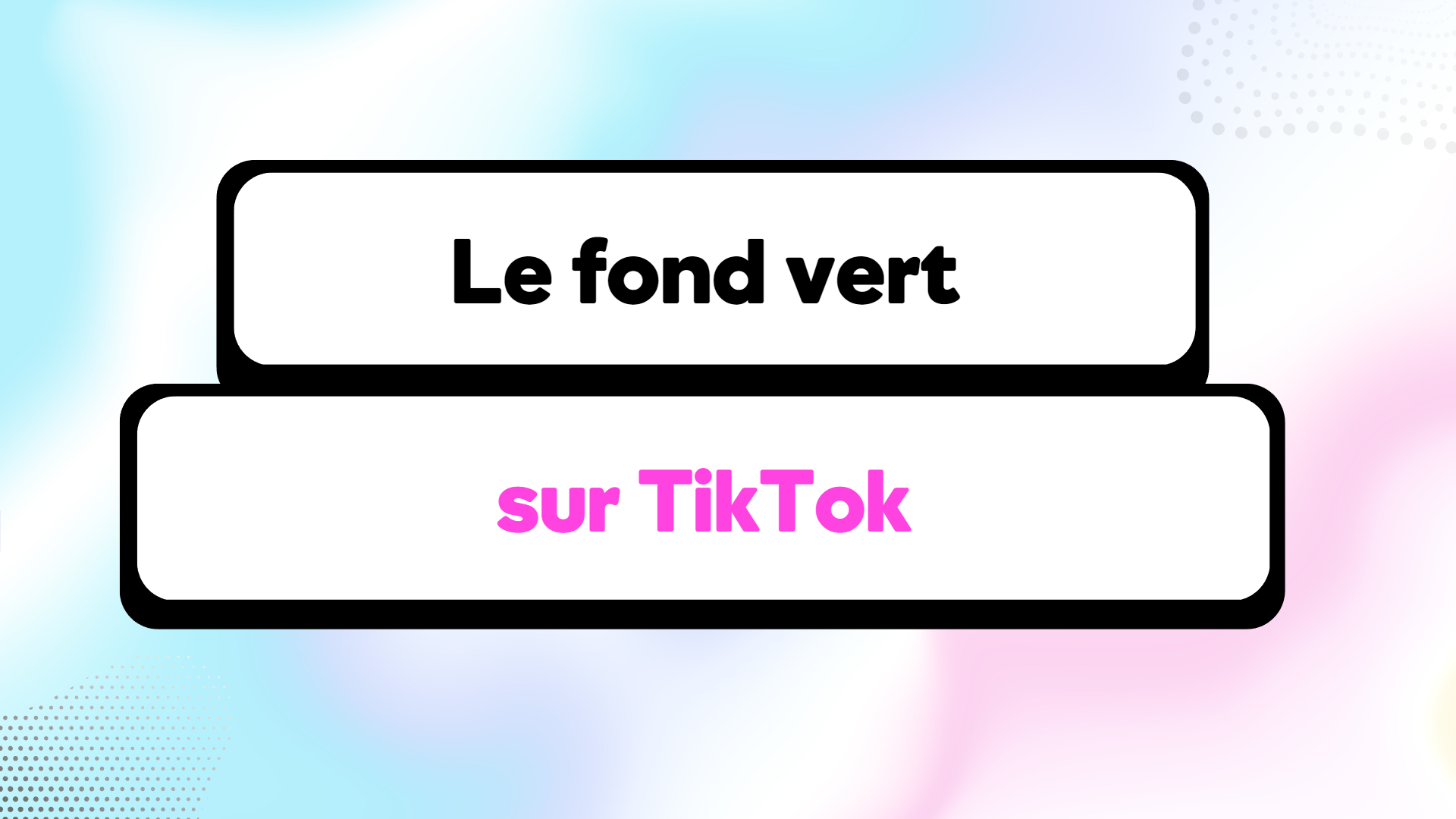
The green screen filter is one of the most used filters and especially one of the most trendy on TikTok: mastering it means gaining visibility and views!
Often used to promote a discovery, a service, a site or simply an external video, the green background filter allows anyone to show themselves in overlay, without the need for a real green background at home.
To use the green screen on TikTok, follow these 3 simple steps:
Step 1: After pressing the center “+”, select the “effect” button at the bottom and then choose “green background” in Trend.
Step 2: Here, you need to choose what will be behind you. You can browse your camera roll or pick from the TikTok library.
Step 3: Select the image then switch to selfie mode by clicking on the top right.
Hop!
You are ready to use the green background effect and create lots of TikTok!
Written by Matthis Dessus
Prêt à vous lancer sur le social media d'aujourd'hui ?
consultation offerte
01
02
03
04
05







.svg)